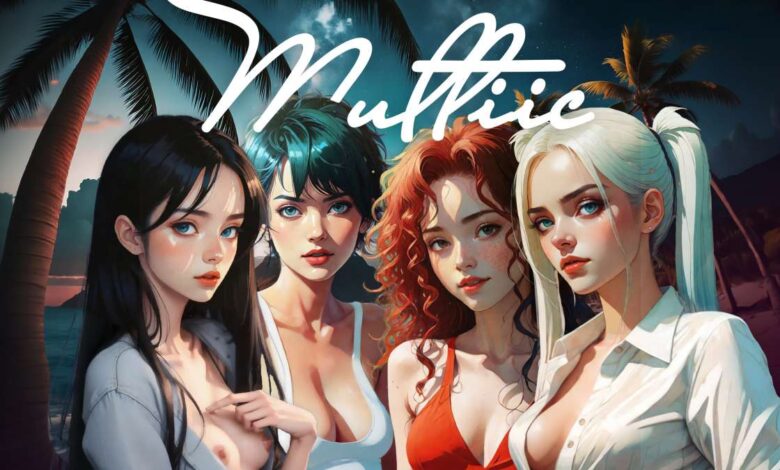
Multiic is a visual novel where, in addition to the usual narrative, you can interact with characters controlled by chatbots with their unique personalities. this approach allows for a unique gaming experience the game is intended for adults who appreciate storytelling, branching choices, comedy, drama, and the ability to communicate with characters on a new level
Changelog
0.7.68: custom contexts and character cards. hyperwoo. one thousand and one nights. Mika. story
→ reworked custom contexts
→ png/json character cards and loras for custom characters
→ ava is no longer ava — her new name is Mika
→ story:
– the prison section has been completed and connected to the rest of the story;
– a new d&d hospital section has been added, with a new “hospital (one thousand and one nights)” point in story navigation;
– playing hyperwoo with Mika: the choice about humanity from level 6 of the mini-game is now saved to Mika’s context. she will offer to play it in prison and when you choose her at night, after the park scene with Jo, Fiona, Dina, or Finn
→ a new one thousand and one nights d&d scenario in sandbox mode
→ tamagotchi: added grok voice support and a voice selector in the tray menu
→ new music
→ koboldcpp: contextshift/swa settings are now available directly in the game
→ android: the game now runs fully edge-to-edge, without those annoying borders
→ hyperwoo voxel mini-game:
– the ridge in the intro has been replaced with an arched stone fortress;
– the ending of level 2 is now a nighttime trail;
– added comets streaking across the sky on the trail and during the storm intro;
– lava and the sea of stars now fade smoothly into the fog without a visible rectangular edge;
– respawning now happens by sector instead of restarting the entire level;
– improved performance and forced use of the dedicated gpu;
– android version
→ the main game now prioritizes the dedicated gpu, which is especially relevant for laptops and primarily needed for mini-games and visual effects
→ changing the lora used by the koboldcpp image model no longer requires restarting the model
→ koboldcpp updated to 1.117.1; electron and three.js have also been updated
→ android: fixed a story-mode bug during the morning scenes in jo’s, dina’s, and fiona’s apartments that prevented further progress
→ collapsed settings tabs now display active models and other enabled features inside them
→ improved start screen performance
→ character thoughts now disappear after the text field is updated
→ rewrote the narrator context
→ updated the list of recommended local text models and api models for claude, gemini, chatgpt, and grok
→ minor interface improvements and code refactoring